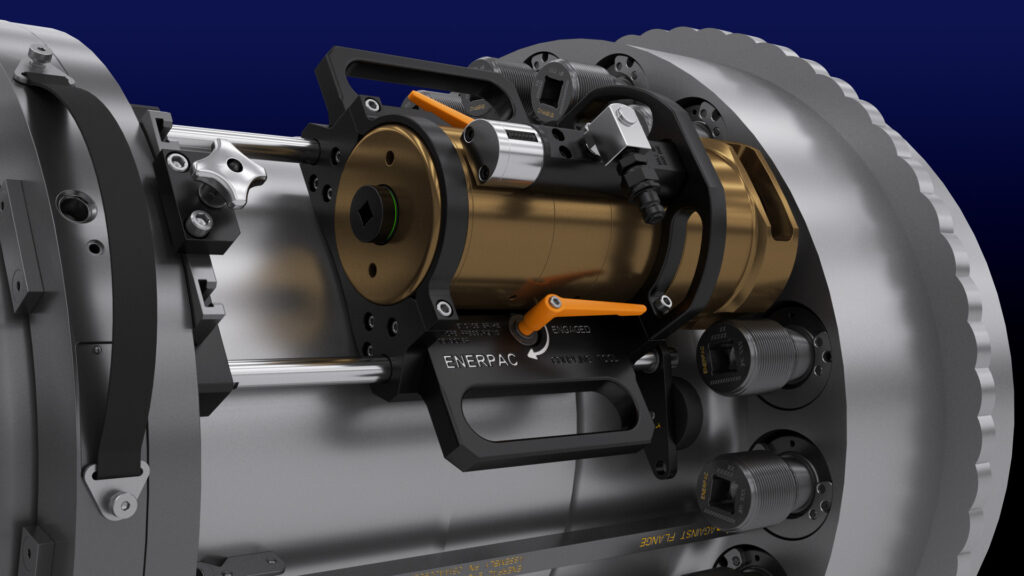
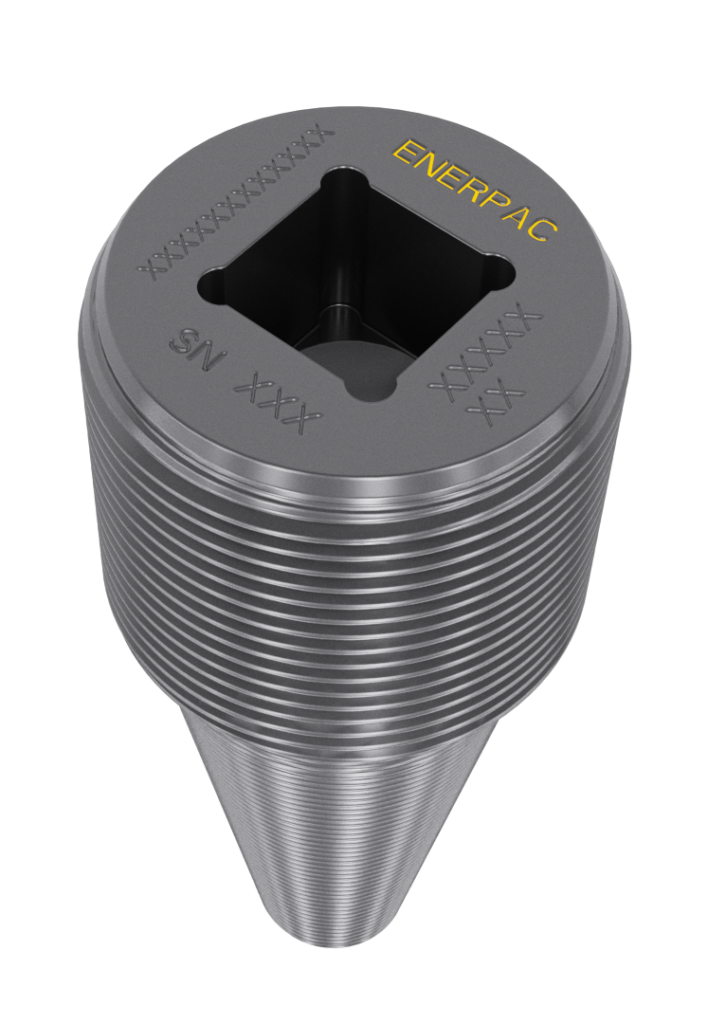
This Enerpac ETCT animation transforms a complex field procedure into a clear visual reference for engineers and technicians. Designed as a moving manual, the video walks through each step of the Enhanced Turbine Coupling Tool process, using detailed visuals to reduce ambiguity and make the procedure easier to understand than text alone.
Project Credits:
Company: Enerpac
Agency: Big Little Pictures
Primary Software Utilized:
3D Studio Max, VRay, After Effects
Contributions:
CAD conversion, 3D Production, Animation, Rendering
By turning technical instructions into clear step-by-step visuals, it gives engineers and field teams a more reliable reference than text alone.
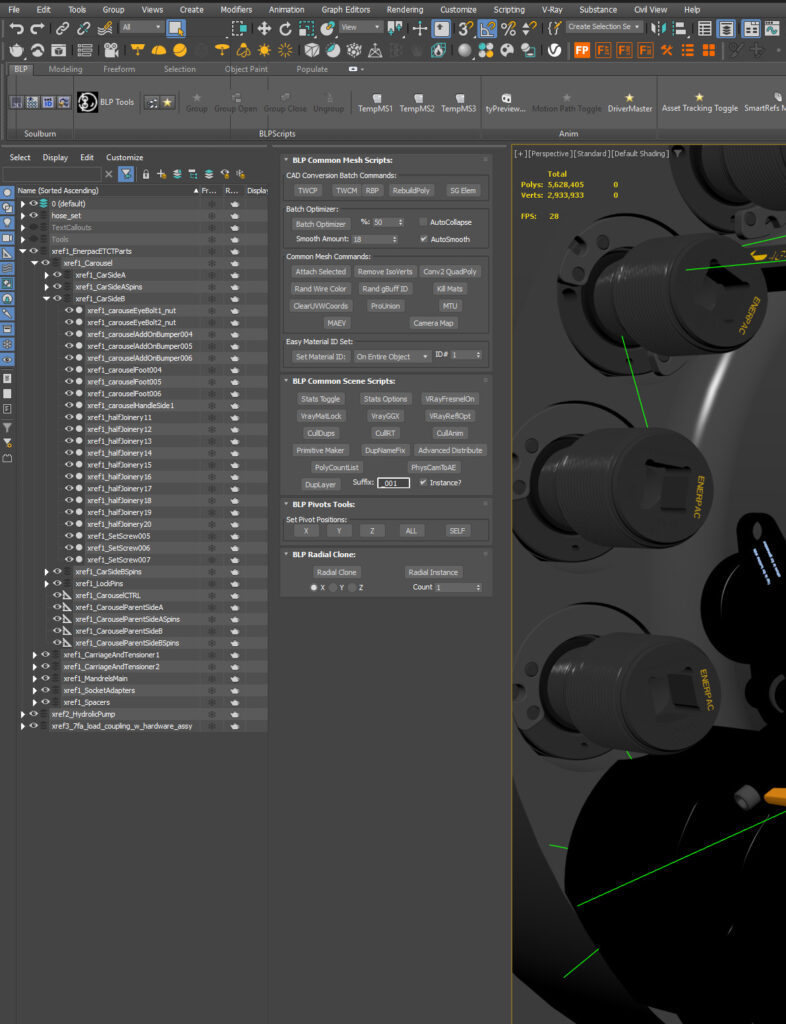
Using a suite of custom tools I’ve programmed for 3D Studio Max over the years, CAD conversion has become much faster, more reliable, and highly controllable. This allows imported engineering data to be optimized efficiently while preserving the level of visual fidelity each project requires.
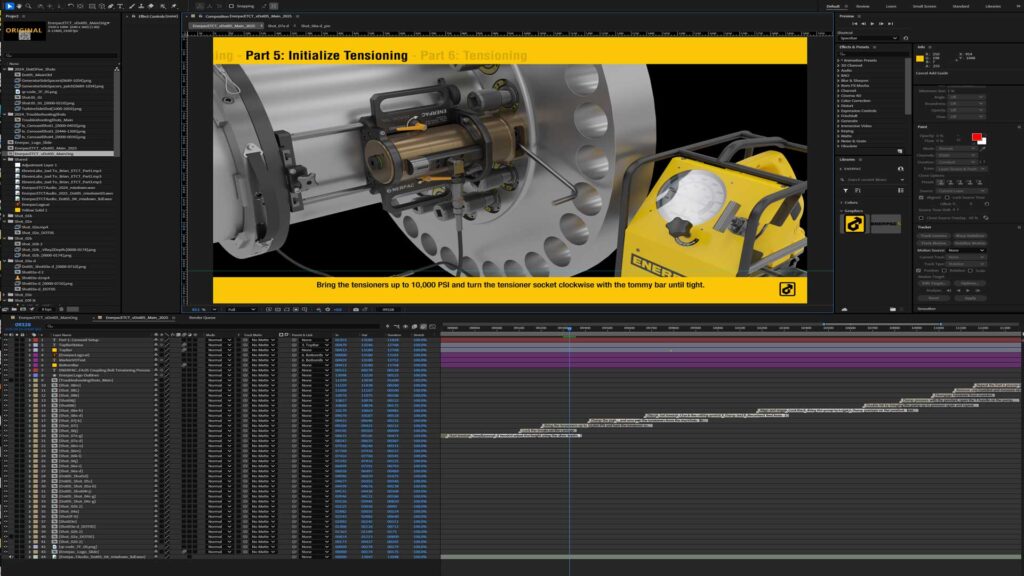
Using advanced After Effects techniques, I created dynamic, multilingual-friendly on-screen text for the video, making future text and language edits fast and efficient. A few hours of coding upfront saved a significant amount of production time and made the final system much easier to maintain.
ElevenLabs AI audio tools helped streamline the voice production process, allowing the narration to adapt quickly as the script evolved while maintaining consistent tone, pacing, and quality throughout. It’s a strong example of how AI can be used effectively in production… not as a shortcut, but as a practical tool for improving speed, flexibility, and consistency.
By using expressions like the following, I was able to utilize the marker system built in Adobe After Effects so that it would change the text based off the nearest marker automatically, regardless of what layer the marker is on. This trick alone saved weeks of effort given the length of the final deliverable. It made on screen text changes from the client as easy as copy and paste! Enjoy nerds!
compMarkerTxt = value; // Default text fallback
lastValidText = compMarkerTxt; // Holds last valid marker text
minDistance = 999999;
closestMarker = null;

// Iterate through all layers
for (i = 1; i <= thisComp.numLayers; i++) {
    curLayer = thisComp.layer(i);

    // Make sure the layer is enabled and has markers
    if (curLayer.enabled && curLayer.hasVideo && curLayer.marker.numKeys > 0) {

        // Iterate through all markers on this layer
        for (j = 1; j <= curLayer.marker.numKeys; j++) {
            markerTime = curLayer.marker.key(j).time;

            if (markerTime <= time) { // Only consider markers that have been reached
                distance = time - markerTime; // How far back this marker is

                // Find the most recent valid marker
                if (distance < minDistance) {
                    minDistance = distance;
                    closestMarker = curLayer.marker.key(j);
                }
            }
        }
    }
}

// If we found a valid marker, use its text
if (closestMarker !== null) {
    lastValidText = closestMarker.comment;
}

// 🔥 This ensures the text **persists** even when no new markers are found
text = lastValidText !== "" ? lastValidText : compMarkerTxt;